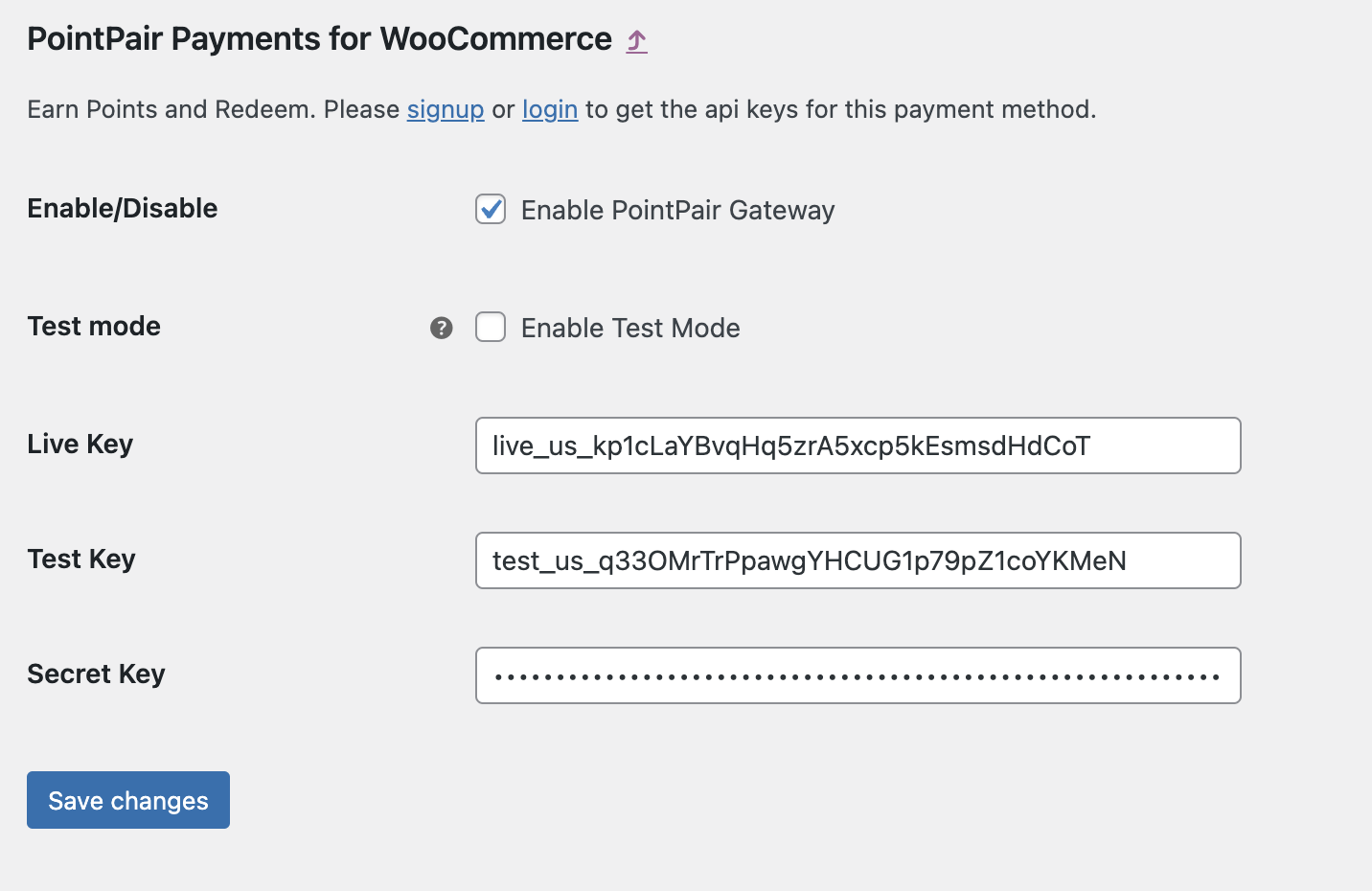
Installation
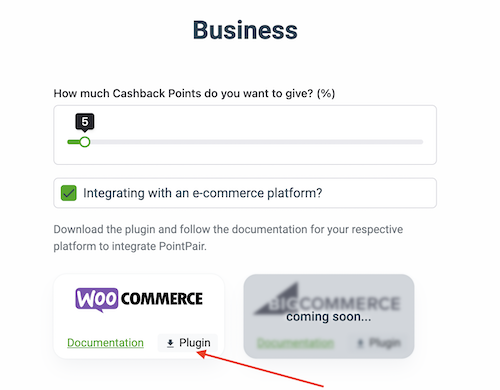
1. Download the PointPair Payments for WooCommerce plugin from the Merchant Portal business or docs page
2. Navigate to the WordPress Admin Dashboard
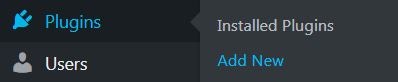
3. Navigate to the Plugins > Add New
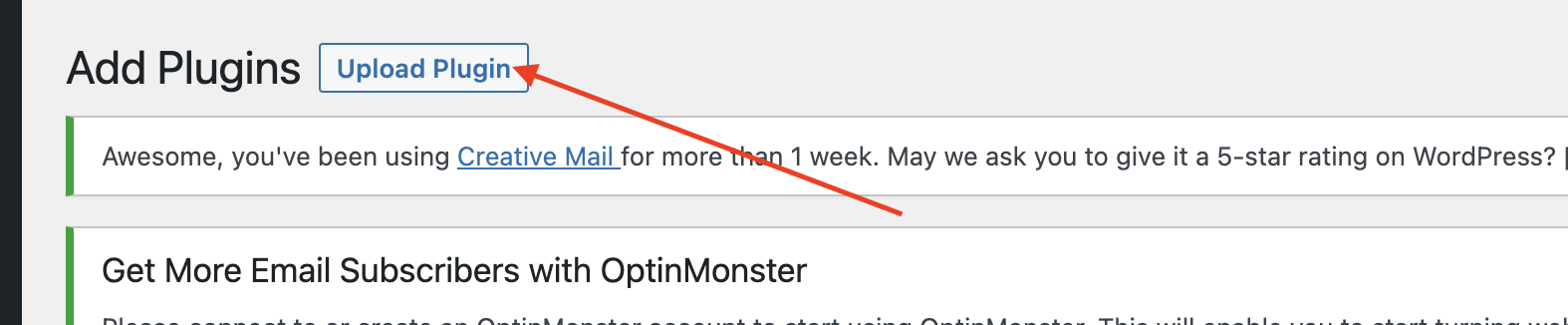
4. Click the ‘Upload Plugin’ button
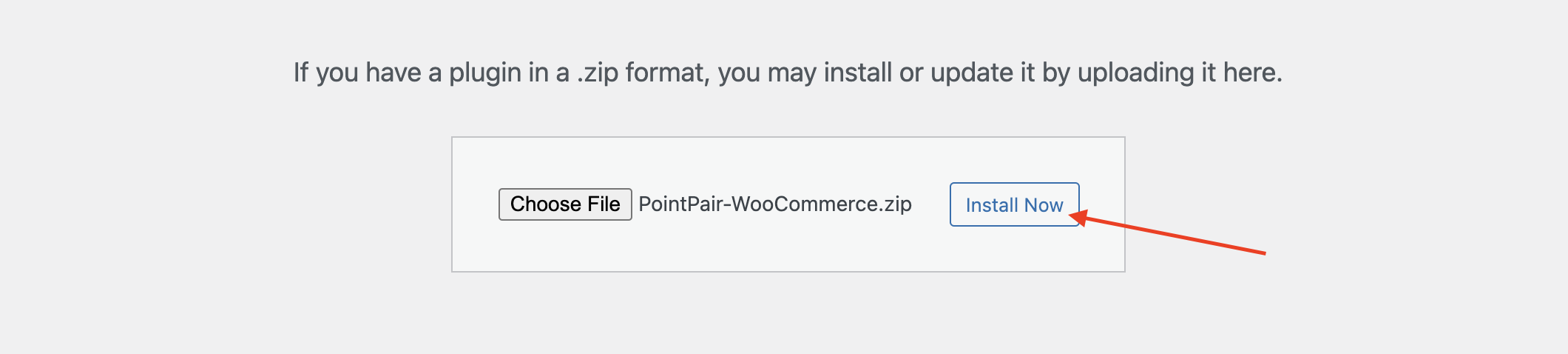
5. Upload the PointPair-WooCommerce.zip file you downloaded in step 1

6. Click ‘Install Now’
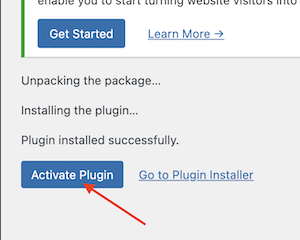
7. In the next page click ‘Activate Plugin’
Configuration
1. Navigate to: Plugins > Installed Plugins
2. Locate the ‘PointPair Payments for WooCommerce’ in the plugin list and click the ‘Settings’ button

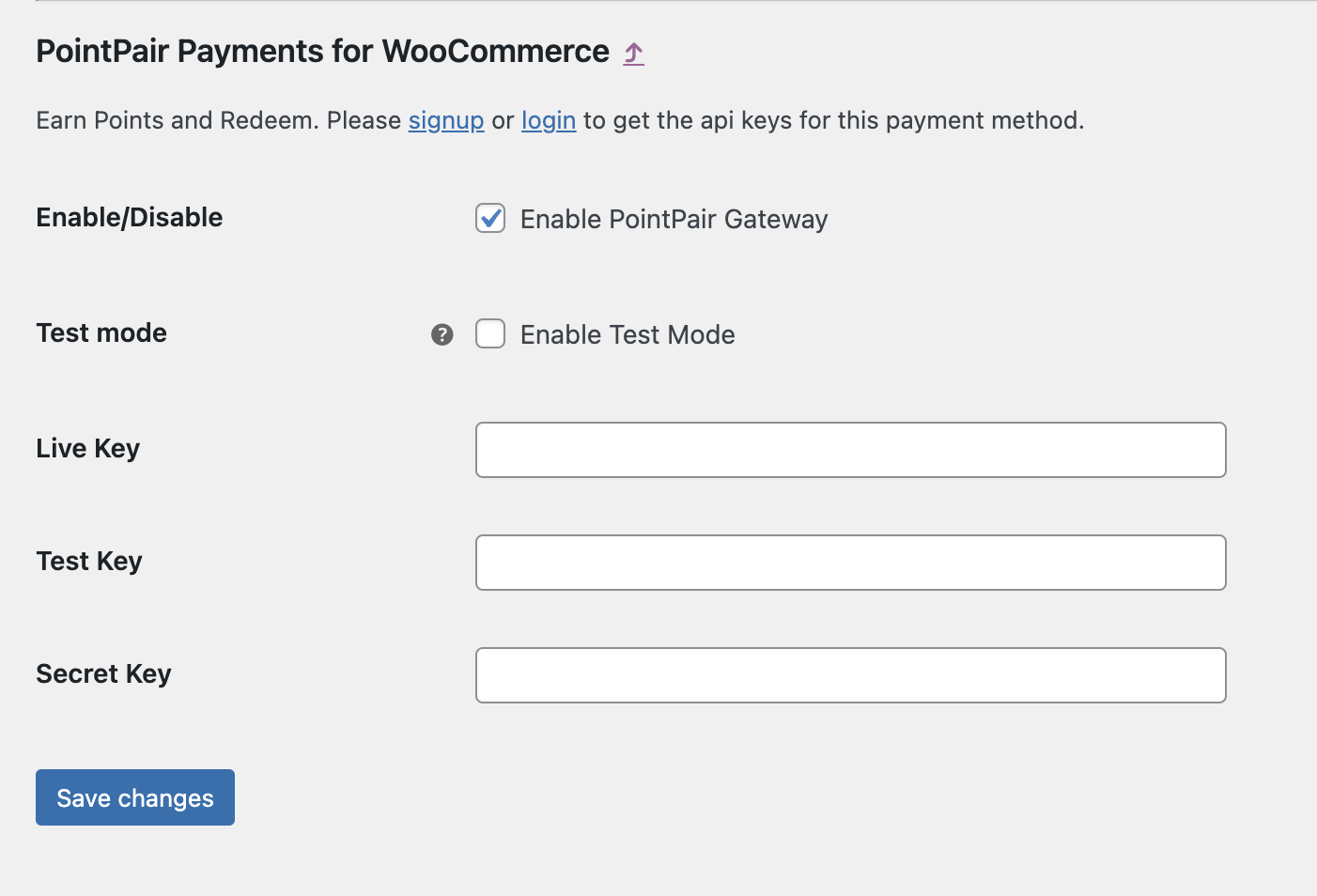
3. Go to the API Keys section in the plugin settings page
4. Head over to the PointPair Merchant Portal Dashboard to retrieve the API and Secret Keys
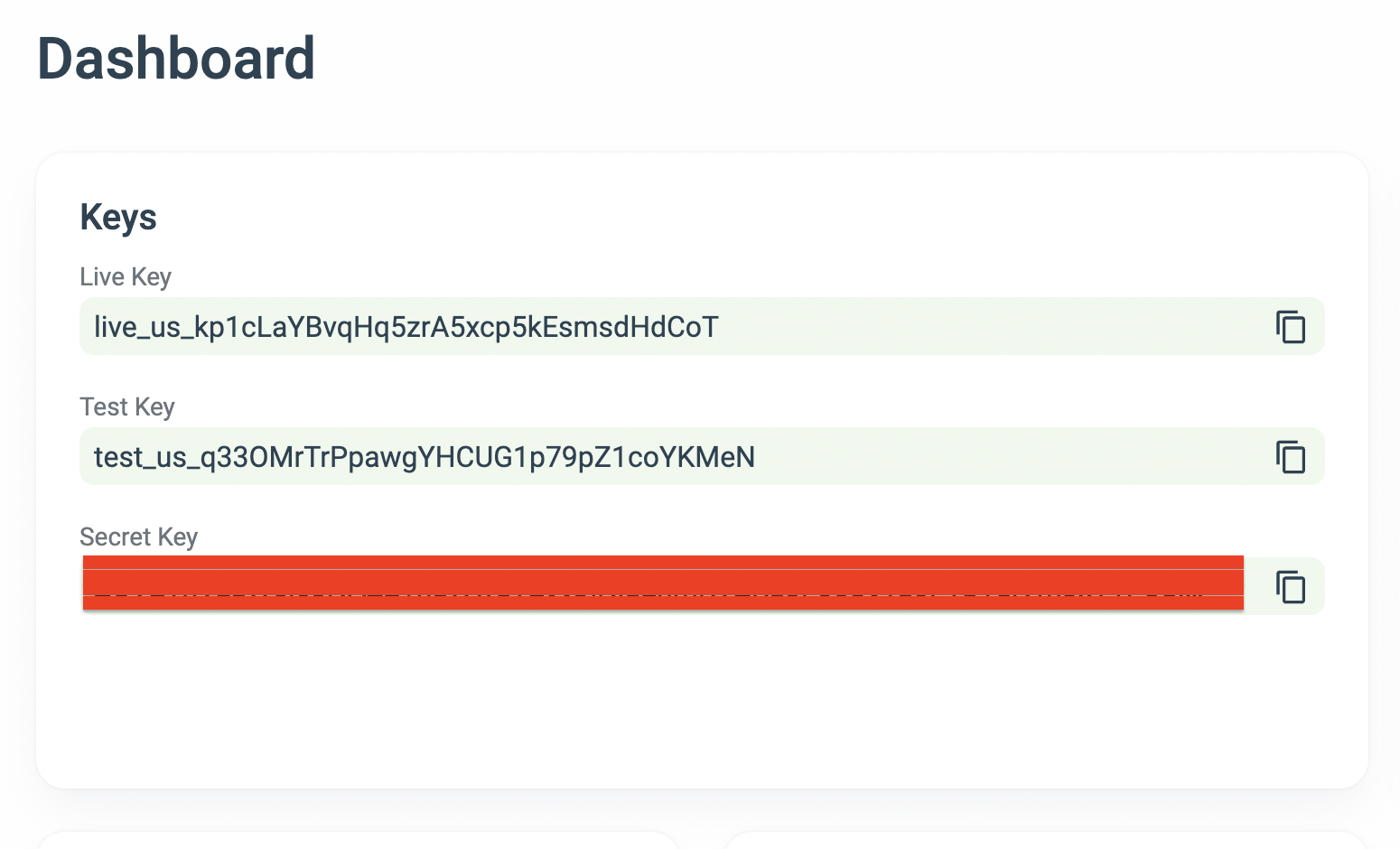
5. Add the Keys in their respective fields